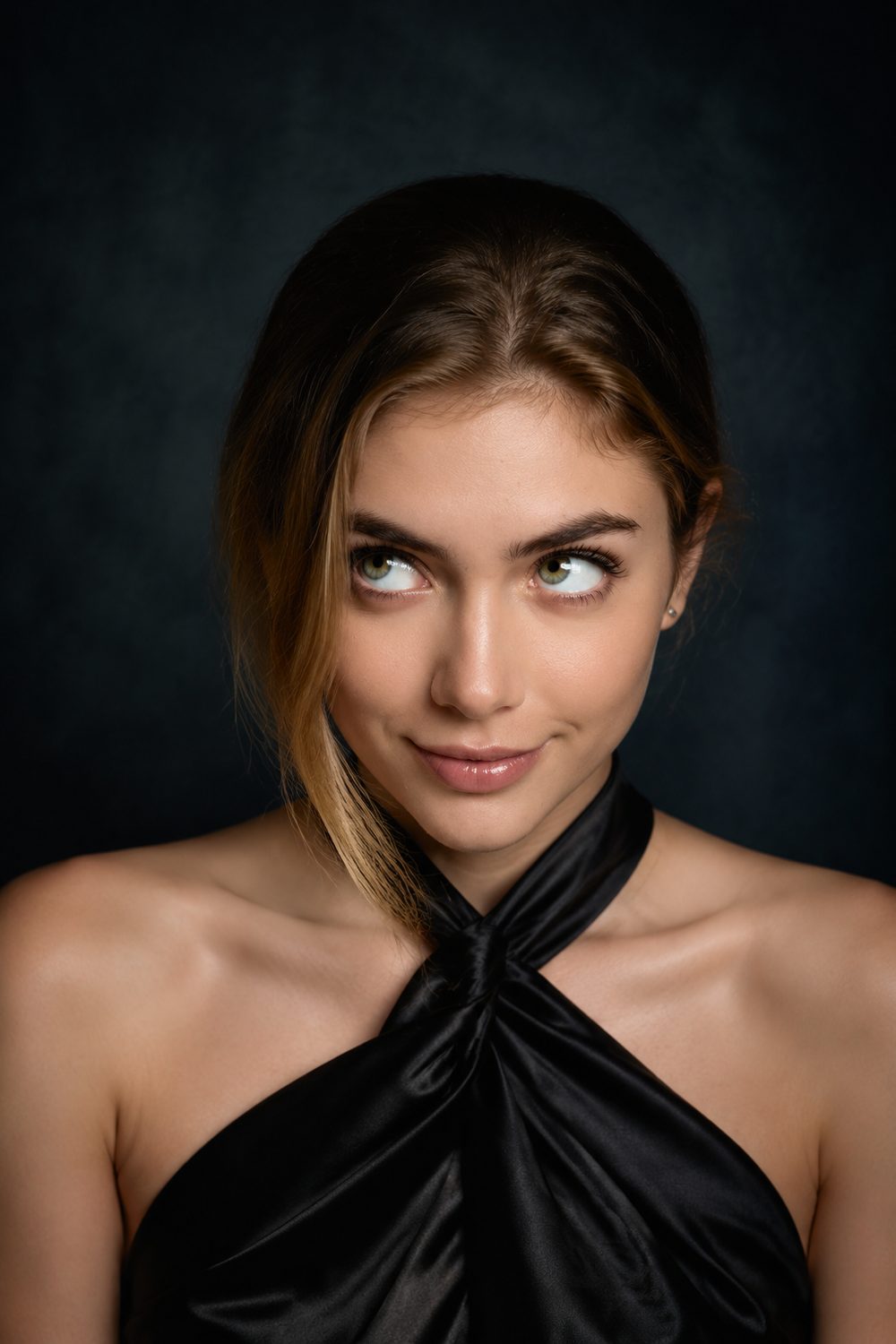
What you get at the end.
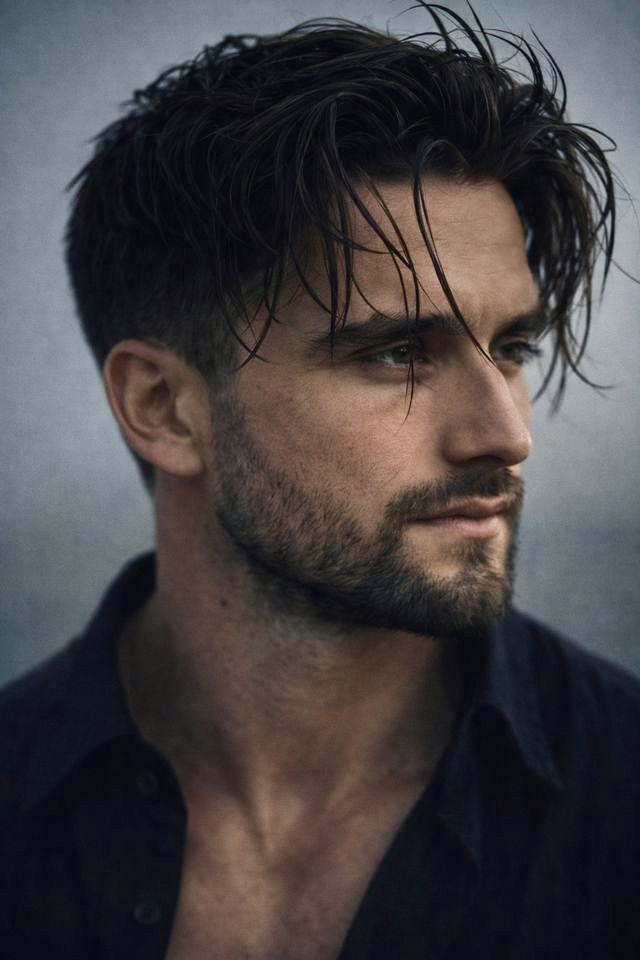
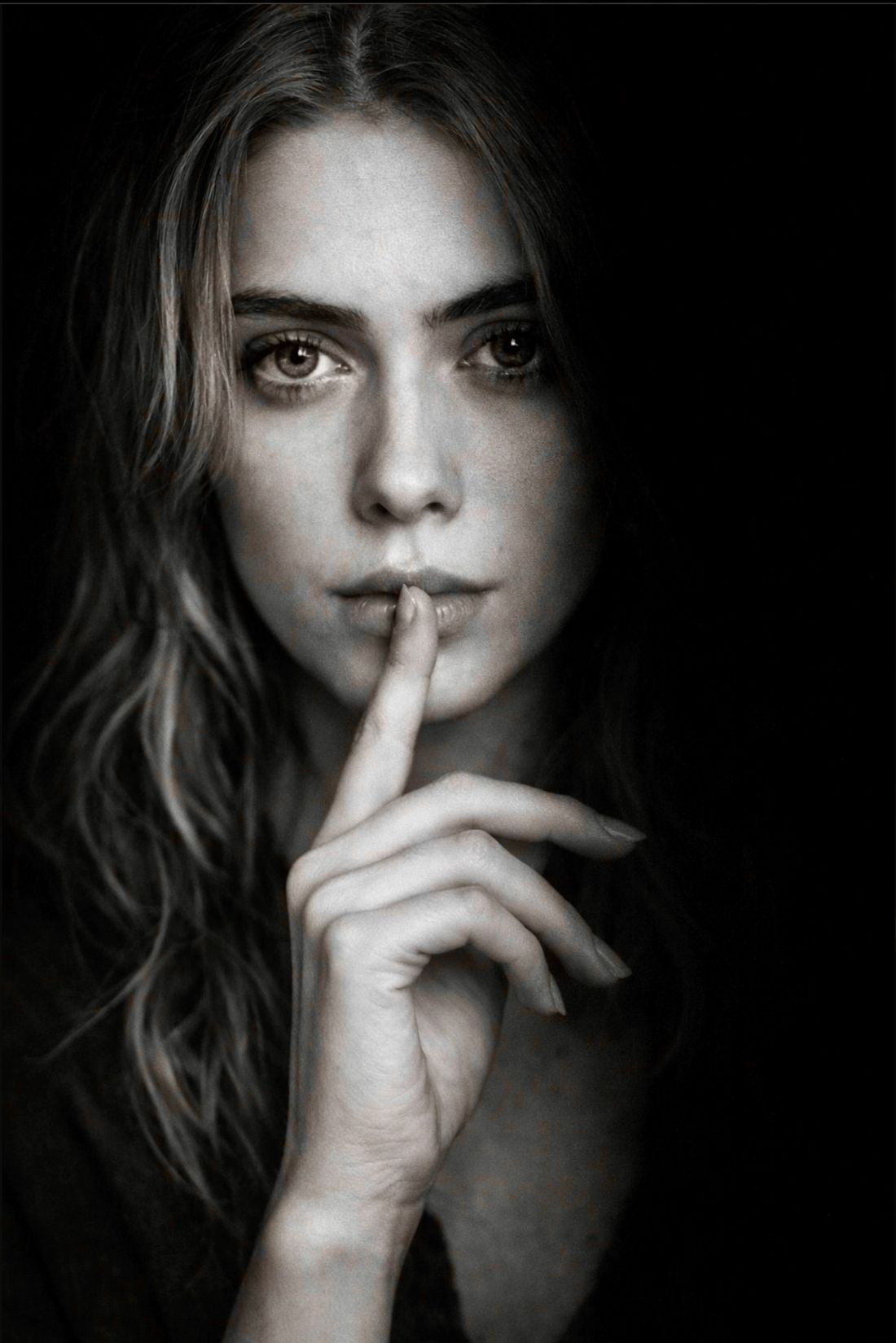
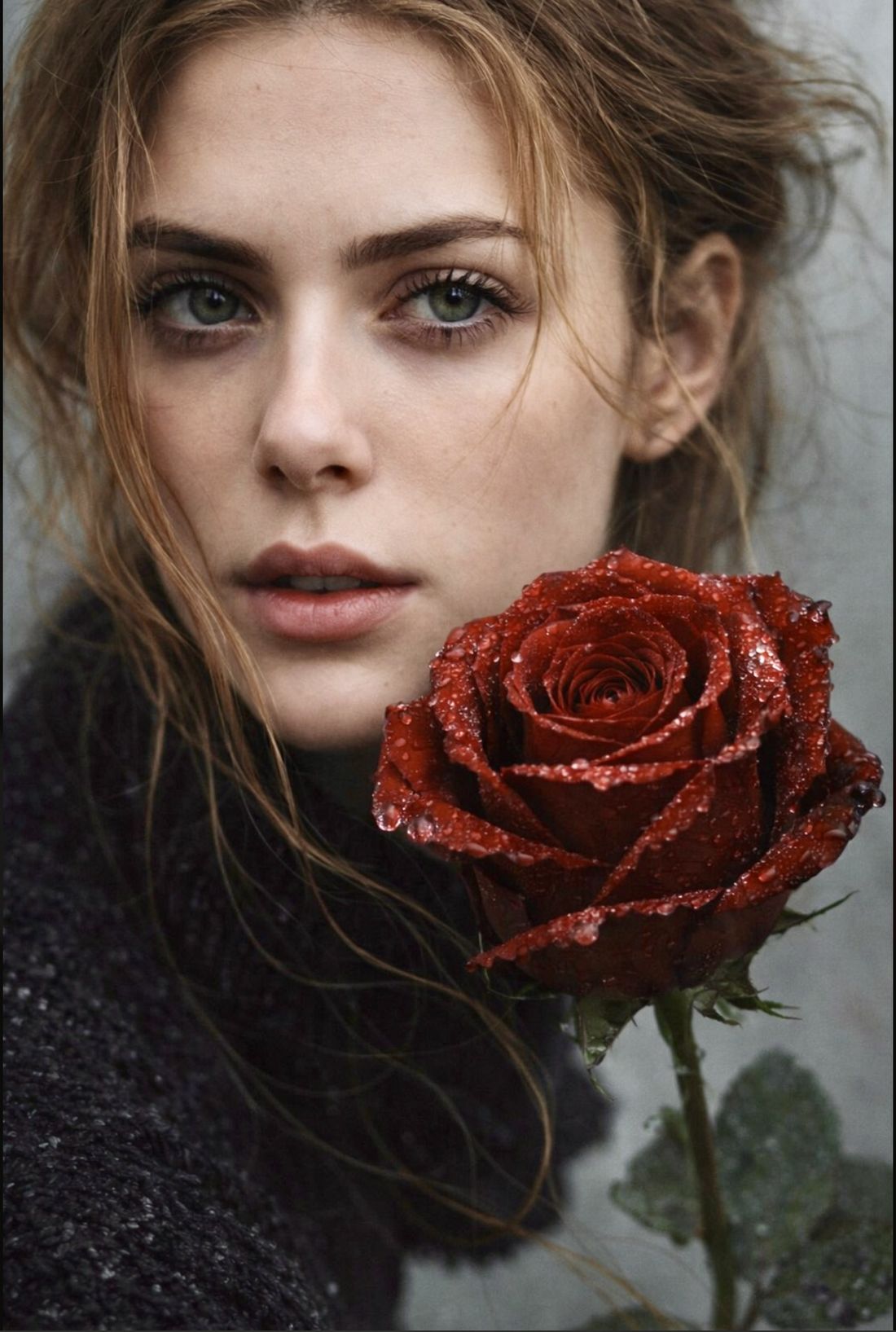
How does it work?
- Choose gender
- Upload photos
- Pick a theme
- Render
- Email results
Ready to start?
Choose your
gender.
Upload your
reference photos.
The more care you take here, the better your portraits will be.
Upload photos like you’re walking into a photo session: clear shots, good light, steady hands, no filters. Ten minutes of care here is the difference between a decent portrait and one you’ll actually use. If a photo is blurry, dim, or cropped oddly, our AI inherits those flaws. If it’s crisp and well-lit, our AI flies.
Upload eight photos of you, from eight different angles.
Tap any slot to upload
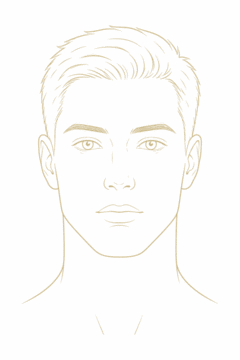
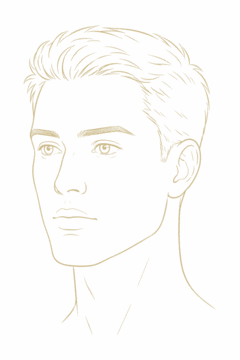
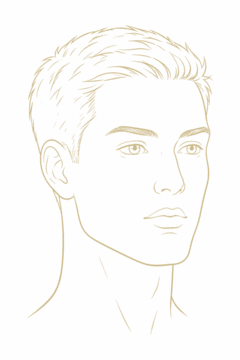
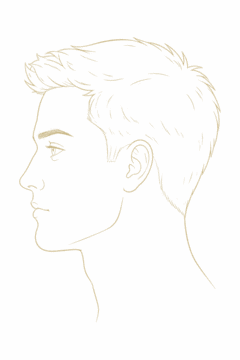
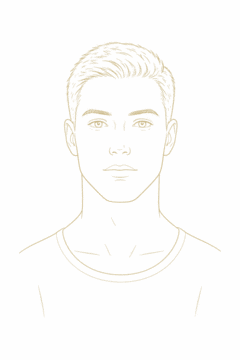
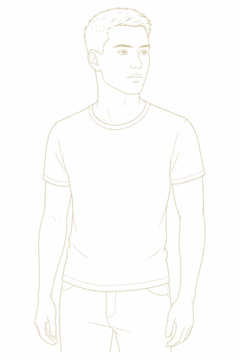
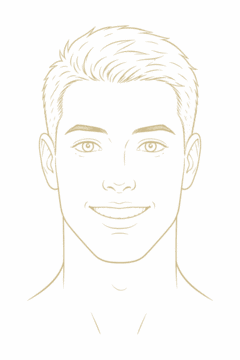
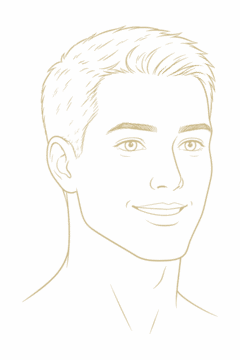
Tip: Navigate to your Photos folder or click "Recents" in the file picker
Choose two themes
for your photo session.
Each theme is a curated look — emotion, color, lighting, camera. Pick the two that fit the photos you want.
Build your
contact photo boards.
The themes you pick above each get their own contact photo board here. When your renders come back, they’ll be laid out like a real studio session — and you choose your favorites.
We'll create professional portraits of you using these 1 themes
No themes selected yet
Before we can create your portraits, we need your email address — so we can send them to you when they’re ready.